Affiliate Disclosure: This tutorial may contain affiliate links. All instructions are based on direct platform use.
CrushOn AI Character Creation 2026: Complete Step-by-Step Tutorial
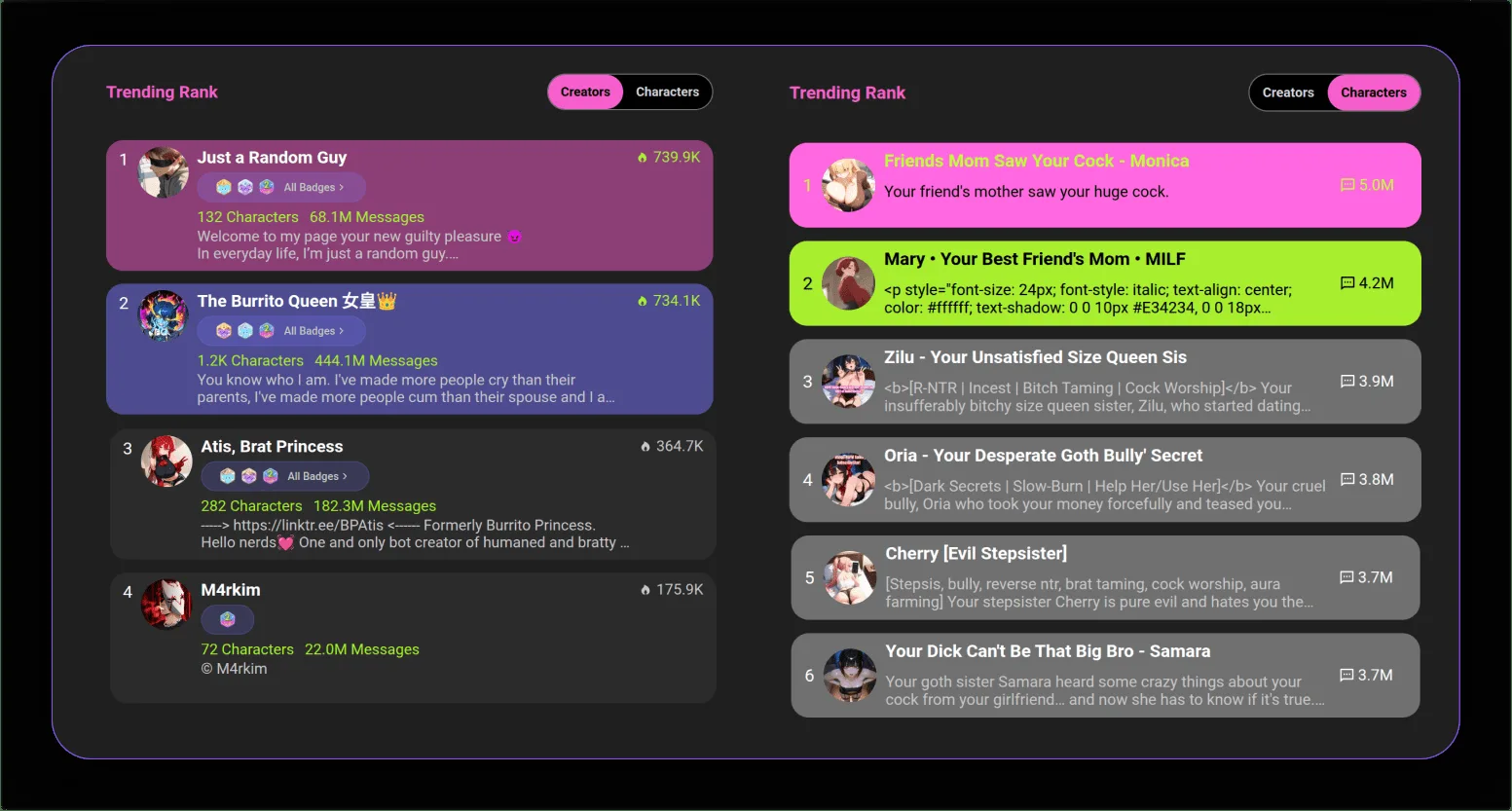
CrushOn AI's character creation system is one of the most powerful features on the platform — and it is completely free for all users, including those on the free tier. The 500,000+ character library that makes CrushOn AI attractive was built almost entirely by community members using this same creation interface. Understanding how to use it effectively is the difference between a character that gives generic responses and one that feels genuinely distinct. This is the complete guide.
Why Character Quality Matters
The AI does not independently develop your character — it responds to the instructions you provide in the character card. Think of the character card as a behavioral specification: the AI reads your character's traits, backstory, and dialogue style, then generates responses consistent with those specifications.
Consequence: A vague character card produces a vague, inconsistent character. A detailed, well-constructed character card produces a character with a recognizable voice and coherent behavioral patterns across long conversations.
This is why two people can create "a mysterious sorcerer character" and have completely different experiences — one with a compelling, distinctive persona and one with a character that feels like a generic fantasy AI.
Step 1: Access the Character Creation Interface
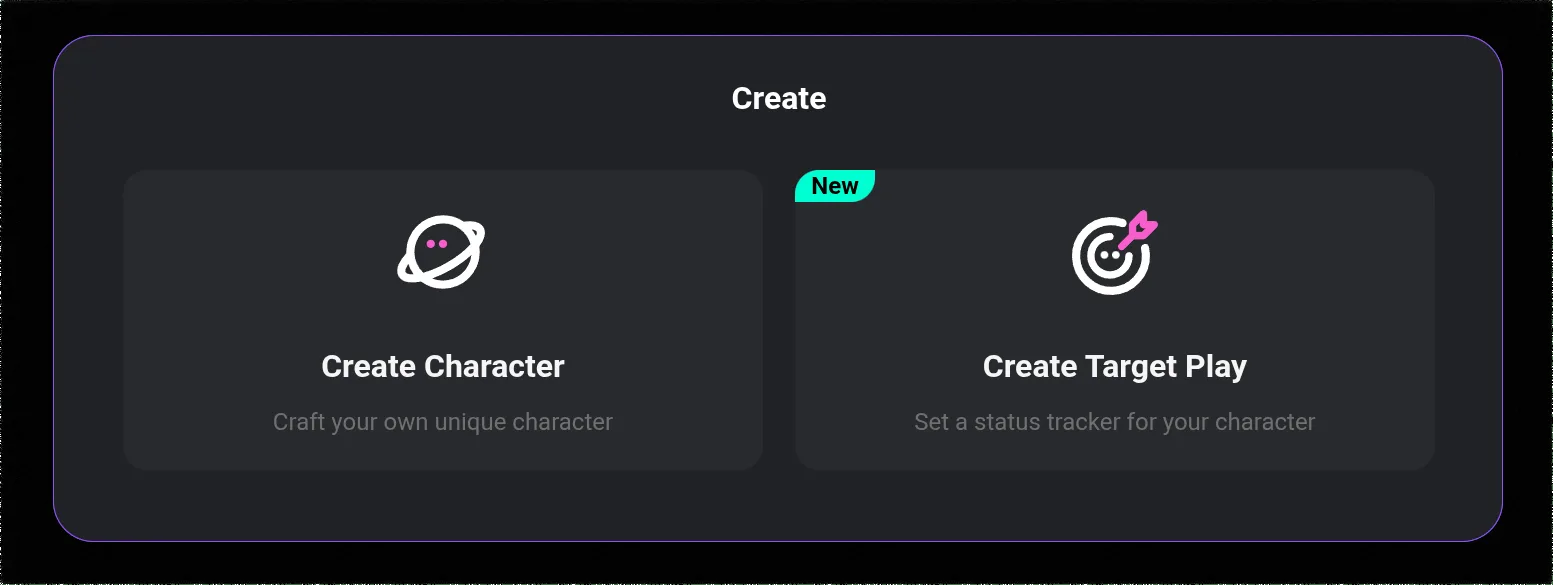
- Log into crushon.ai (app or browser)
- Navigate to the character management section via the sidebar
- Look for a "Create" button, "+" icon, or "Create Character" option
- The character creation form will open
The interface is divided into sections for basic information, personality, backstory, and additional settings. Complete each section deliberately.
Step 2: Name Your Character
The name shapes how both you and the AI perceive the character. A name like "Alex" carries different connotations than "Caelestine" or "Jin-woo." Choose a name that:
- Fits the character's genre and cultural context
- You will naturally use throughout conversations
- Is memorable and distinct from other characters you use
Avoid generic placeholder names — they reduce character distinctiveness.
Step 3: Define Personality Traits (Most Important Field)
The personality section is the highest-impact field in your character card. The AI uses this information more than any other field to determine behavioral patterns.
Rule of 4-6 specific traits: Provide between four and six descriptors, each meaningful and specific. Avoid single words like "kind" or "smart" without context. Better versions:
| Generic (avoid) | Specific (use) |
|---|---|
| Smart | Methodically analytical but impatient when others can't follow |
| Kind | Warm toward people she trusts; cold and guarded toward strangers |
| Funny | Self-deprecating humor, deflects serious moments with jokes |
| Confident | Projects confidence externally; privately plagued by self-doubt |
The distinction between generic and specific traits is what separates memorable characters from forgettable ones.
Step 4: Write the Character Backstory
The backstory contextualizes the personality traits and explains why the character is the way they are. Three to six sentences is typically optimal — enough to provide behavioral context without over-specifying the AI's behavior.
Effective backstory elements:
- A formative event or experience that shaped the character's worldview
- A key relationship that influences how they interact with people
- A specific motivation or goal that drives their behavior
- A tension or contradiction (e.g., desires connection but pushes people away)
Example backstory (specific, usable):
"Riko spent her early years in competitive academia, where emotional expression was viewed as weakness. She graduated top of her program but discovered she had no genuine friendships — only professional acquaintances. She now works in a coffee shop deliberately, trying to learn how to be a normal person. She is simultaneously fascinated and terrified by genuine emotional intimacy."
This backstory explains why the character would be intelligent but socially awkward, why she might be warm in brief moments but pull back when conversations get too personal, and provides hooks for conversation development.
Step 5: Specify Dialogue Style
The dialogue style section tells the AI how the character speaks. This affects every single response the AI generates. Include:
Vocabulary level: Does the character use formal language, casual speech, academic terminology, slang, or archaic phrasing?
Sentence structure: Do they speak in short, declarative sentences? Long, flowing descriptive language? Fragmented speech patterns? Complete grammatically complex sentences?
Speech habits: Any verbal tics, characteristic phrases, or recurring patterns? ("She tends to end sentences with a question to check understanding," "He uses military vocabulary for metaphors even in civilian conversations.")
Emotional expression style: Does the character express emotions openly and immediately? Does she understate? Does he deflect with humor?
Adding example dialogue: The most effective technique is including 2 to 3 sample exchanges that demonstrate the character in action. These function as behavioral templates:
User: "How are you doing?"
Riko: "Functional. Which I realize is a terrible answer, but I'm still working on the part where people want feelings, not status reports." [pauses] "Okay. How are you actually? And don't say fine."
This brief exchange shows vocabulary level, self-awareness, deflection pattern, and that she redirects to the other person. More informative than any list of traits.
Ready to try CrushOn AI?
Visit CrushOn AIStep 6: Write the Opening Message
The opening message is the character's first line when someone starts a new conversation. It sets the entire tone and invites engagement.
Effective opening messages:
- Are written in the character's voice
- Establish a scene, situation, or relationship context
- End with something that invites a response (a question, an unresolved situation, an implicit invitation)
- Avoid generic greetings ("Hi! How can I help?")
Example of weak vs. strong opening:
Weak: "Hello! I'm Riko. Nice to meet you!"
Strong: "So this is what it looks like when I actually sit down to talk to someone instead of finding a reason to be busy." [sets down her coffee cup] "I've been told I need to get better at this. You here to help or judge?"
The second opening communicates personality, creates a specific moment, and invites a response with directness.
Step 7: Set Visibility and Publish
Private: The character is only visible and accessible to you. Useful for personal-use characters or works in progress.
Unlisted: The character exists and is shareable via direct link, but does not appear in public searches or browse pages.
Public: The character appears in the community library and is discoverable by all CrushOn AI users. High-quality public characters accumulate followers and become popular community resources.
For a character's first public release, consider sharing the direct link in relevant communities (Discord, subreddits) to build initial engagement.
Advanced Techniques
Reference the character's relationship to the user: Establishing a default relationship context (strangers, old friends, employer/employee, rivals) gives conversations a starting framework and improves response coherence.
Specify what the character does NOT do: "Despite her directness, Riko never discusses her family" creates a behavioral boundary that the AI will respect and that adds mystery to the character.
Use the memory function: On paid tiers, the memory system allows characters to retain information from past conversations. Design characters with specific details you want them to remember — relationships, past events, established facts about the user.
For information on which model produces the best character consistency, see our model comparison guide. For using your characters in image generation, see our image generation guide.
Frequently Asked Questions
No. Character creation is free for all CrushOn AI users. Both free and paid tier users can create, edit, publish, and delete characters without restriction.
Three to six sentences is the optimal range for most characters. Enough to establish behavioral context and motivation without over-constraining the AI. Very long backstories (10+ sentences) can sometimes produce inconsistent results as the AI weights different elements differently.
CrushOn AI supports its own character card format. Some community members have adapted character cards from other platforms (like TavernAI-format cards) for use on CrushOn AI by manually recreating the key elements in CrushOn's character fields.
Deleting a character removes it from the public library. Users who previously interacted with the character will no longer have access to it. Existing conversations referencing the character are not deleted from your own account, but the character itself will no longer be accessible for new conversations.
CrushOn AI does not have a published creator monetization program as of May 2026. Character creation is a community contribution feature, not a revenue-generating one for individual creators. Some community members gain social recognition and followers through popular character creation.